We live in an age of infinite leverage and infinite distraction. For the first time in human history, anyone with an internet connection has access to the sum total of human knowledge.
You can watch Stanford lectures, read leading industry newsletters, and consume hours of expert podcasts every single day.
Yet, paradoxically, most of us feel less informed and more overwhelmed than ever before. This phenomenon is known as Information Overload, and if you are a student, researcher, or product manager, it is the single biggest threat to your productivity in 2026.
The Anatomy of Information Overload
Information overload occurs when the volume of information supplied to a system (your brain) exceeds its processing capacity.
When you watch a dense, 2-hour technical presentation on YouTube, the presenter is throwing data at you in a linear stream. Your working memory can only hold about 4 to 7 "chunks" of information at a time. Within minutes, your cognitive buffer overflows.
The symptoms are recognizable to anyone:
- You finish watching a video but can't articulate its main point.
- You have hundreds of bookmarked articles you "plan to read later" but never do.
- Your note-taking app is a graveyard of disconnected, half-finished thoughts.
- You experience decision fatigue before your workday even begins.
Why Linear Notes Make It Worse
The standard response to information overload is to "take better notes." So, you open Notion or a Word document and start typing a linear bulleted list while you watch a video.
This actually exacerbates the problem.
Linear notes force you to act as a stenographer, not a synthesizer. You are so busy transcribing the data that you completely miss the context and the connections between ideas. Furthermore, a 10-page document of bullet points is incredibly difficult for the human brain to review and recall later.
The Fix: Visual Synthesis via AI
To beat information overload, you must change how you process information from linear transcription to visual synthesis.
Your brain processes visual information 60,000 times faster than text. When you organize data spatially—using mind maps or concept graphs—you offload the cognitive burden from your working memory to the visual cortex.
Here is the modern workflow to fix information overload:
1. Stop Taking Manual Notes
Your time is too valuable to spend transcribing. Use an AI tool to handle the raw data extraction.
2. Force Hierarchical Structure
Information is useless without structure. Instead of generating a text summary, use a tool like mapifast to instantly convert long-form videos into a hierarchical mind map. This immediately groups the raw data into logical themes and sub-topics.
3. Move from Consumption to Curation
Once the AI has generated the structure, your job shifts from data entry to curation. You review the mind map, delete irrelevant branches, highlight crucial nodes, and use AI agents to expand on topics that need deeper research.
4. Export and Connect
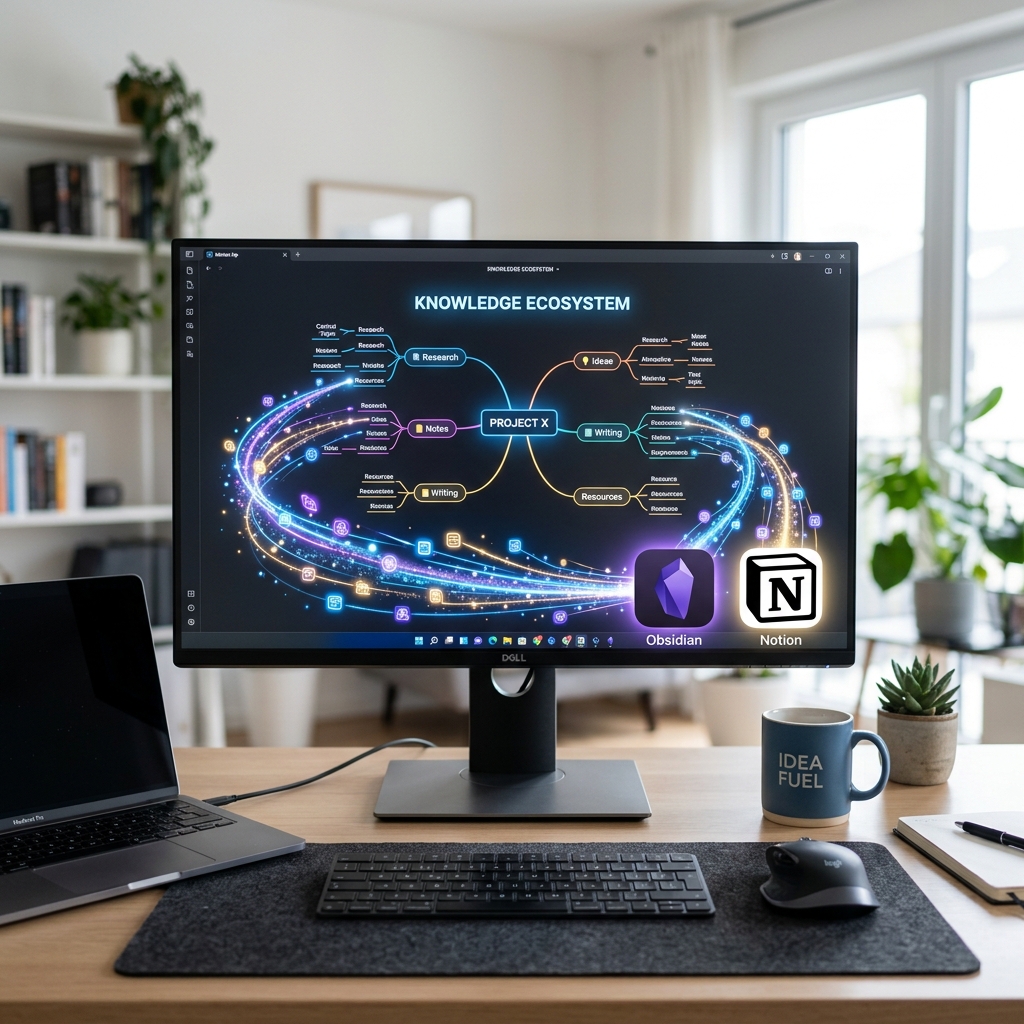
Finally, export that highly structured, curated map into your Personal Knowledge Management (PKM) system like Obsidian or Notion.
Conclusion
You cannot process the infinite stream of internet content using the linear note-taking methods of the 20th century.
By utilizing AI to instantly structure complex videos into visual mind maps, you bypass information overload entirely. You regain your focus, improve your retention, and free up your cognitive capacity for what actually matters: deep thinking.
Stop drowning in data. Start seeing the connections with mapifast.
Read more
5 Signs You Need a Visual Learning Tool in 2026
Struggling to retain information from long videos and lectures? Here are 5 clear signs you need to switch to a visual learning tool like mapifast.
mapifast Changelog: Spring 2026 Updates & Roadmap
See what's new in mapifast this Spring, including advanced Deep Research agents, Obsidian export, and faster processing times.
How University Students Use mapifast to Ace Their Exams
A deep dive into how university students are replacing tedious note-taking with AI-generated visual mind maps to learn from YouTube lectures 10x faster.